
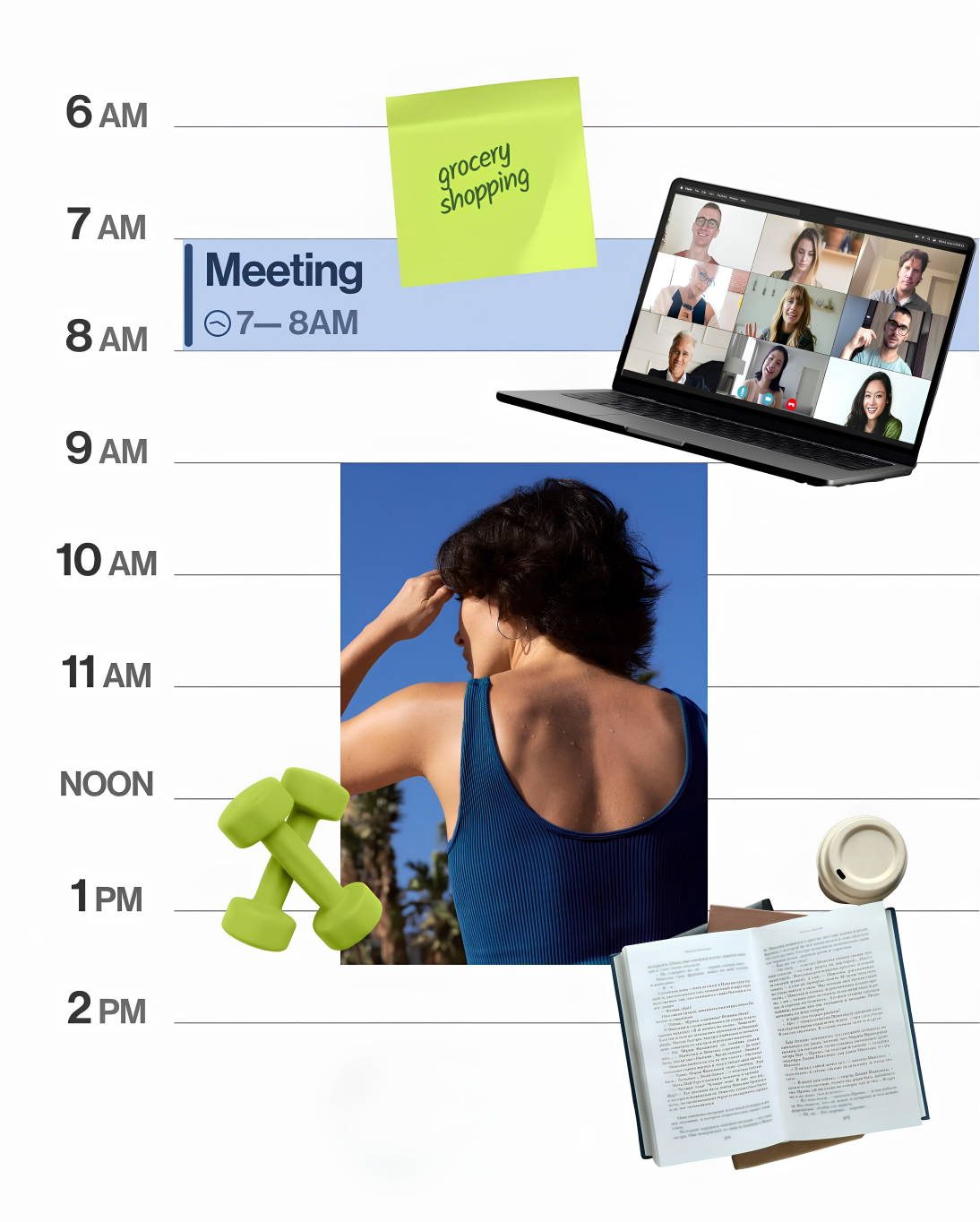
At 10:17 AM, your day can still look completely open. Then a message arrives, a meeting runs long, and one small request becomes five. By 6 PM, you have been busy for eight hours and the work you actually cared about is still sitting in a tab.
That is the task-list trap. A list tells you what matters, but it does not decide when the work gets to exist.
Time blocking gives every hour a job before somebody else gives it one. It turns good intentions into visible commitments inside the only resource every task competes for: your calendar.
Why a Task List Cannot Protect Your Time
A task list has no friction. You can add twelve important things to it in thirty seconds, then quietly pretend they all fit into the same afternoon.
Your calendar is less forgiving. When you place a 90-minute strategy block beside two meetings, email, lunch, and a commute, the truth becomes visible: you do not have a motivation problem; you have a capacity problem.
That honesty is the point. Time blocking does not create more hours; it stops you spending the same hour three times in your head.
What Time Blocking Actually Means
Time blocking means dividing the day into deliberate windows, then deciding what category of work belongs in each window. Some blocks are specific, such as writing a proposal from 9:00 to 10:30. Others are protective, such as administration from 3:30 to 4:00.
The useful unit is not always a single task. A block can hold a project, a type of work, a recovery period, or a buffer for the reality you know is coming.
The key is maintaining intention about your time, not perfection in your planning.Cal Newport, Focus Week: Take Control of Your Time, 2020
Build a Time-Blocked Day in Four Moves
Start with reality, not an idealised version of you. Put fixed commitments, sleep, food, travel, and the non-negotiable parts of your day on the calendar first.
Next, place one important block before reactive work expands. This is where a proposal gets written, a product gets built, or the hard decision gets made before messages turn it into another tomorrow problem.
Then batch the shallow work. Email, messages, approvals, and small admin tasks do not need to sit on top of your attention all day; they need a home.
Finally, leave empty space on purpose. A schedule with no buffer is not ambitious. It is simply lying about how days behave.
Build Your First Block in 15 Minutes
First, mark the fixed reality: meetings, travel, meals, and commitments you cannot move. Plan around the day you have, not the day you wish you had.
Then choose one meaningful win. Name the work that would make today count and give it a protected 60–90 minute block before reactive work takes over.
Give email, messages, and admin one or two short windows. They do not need permanent access to your attention; they need a clear home.
Finally, reserve time for spillover, walking, food, or a late-running task. That buffer is what keeps the plan usable after the first disruption.
The Rule That Makes Blocks Work
A block needs a clear start cue. Do not write “work on business” from 9:00 to 11:00, then wonder why your brain opens five unrelated tabs.
Write the first visible action instead: “open the proposal and write the first three sections” or “review the roadmap and choose the next milestone.” That is an implementation intention: when this block begins, you know exactly what action begins with it.
This is also why Rize matters here. You can manually drag blocks around all day, or give Rize the goal, constraints, and fixed commitments so the schedule has a real chance of surviving contact with your calendar.
What to Do When the Plan Breaks
Your plan will break. A client will call, a meeting will run over, or a task will take twice as long as you expected.
Do not abandon the whole day because 11:00 AM went wrong. Re-plan from the next open block, move the work deliberately, and let the calendar show what had to give way.
That feedback is valuable. If the same work never fits, the calendar is showing you a real constraint that a task list was helping you ignore.
Run the Five-Day Capacity Test
For five workdays, make a loose plan before your day starts. Keep the same four components: fixed commitments, one meaningful block, two reactive windows, and one buffer.
At the end of each day, ask one question: where did the plan break first? Do not judge yourself. Use the answer to make tomorrow’s calendar more honest.
The rules worth keeping
A task becomes real when it receives a protected place in the day.
Start with fixed commitments, then assign the time that is actually left.
Put one meaningful block ahead of the reactive work that can expand forever.
Messages and admin need a window, not permanent access to your attention.
A broken block is information. Move the plan from the next open moment.